This requires that you've installed F-Droid
Grayjay can be thought of a few ways: YouTube replacement, platformed video aggregator, platform independent social media, and much more… Grayjay allows you to add sources such as YouTube or Twitch. By viewing these sources outside of their native platform, you gain privacy from their trackers. You also gain the ability to own your subscription list, playlists, and the comments you make in polycentric.
What makes Grayjay stand out besides its open source nature, is that it’s the perfect transitionary tool. It allows you to consume the content in ways that are familiar all while giving you the chance to explore (decentralized or not) platforms, such as PeerTube.
START TODAY and de-Platform yourself!
Adding FUTO’s repository
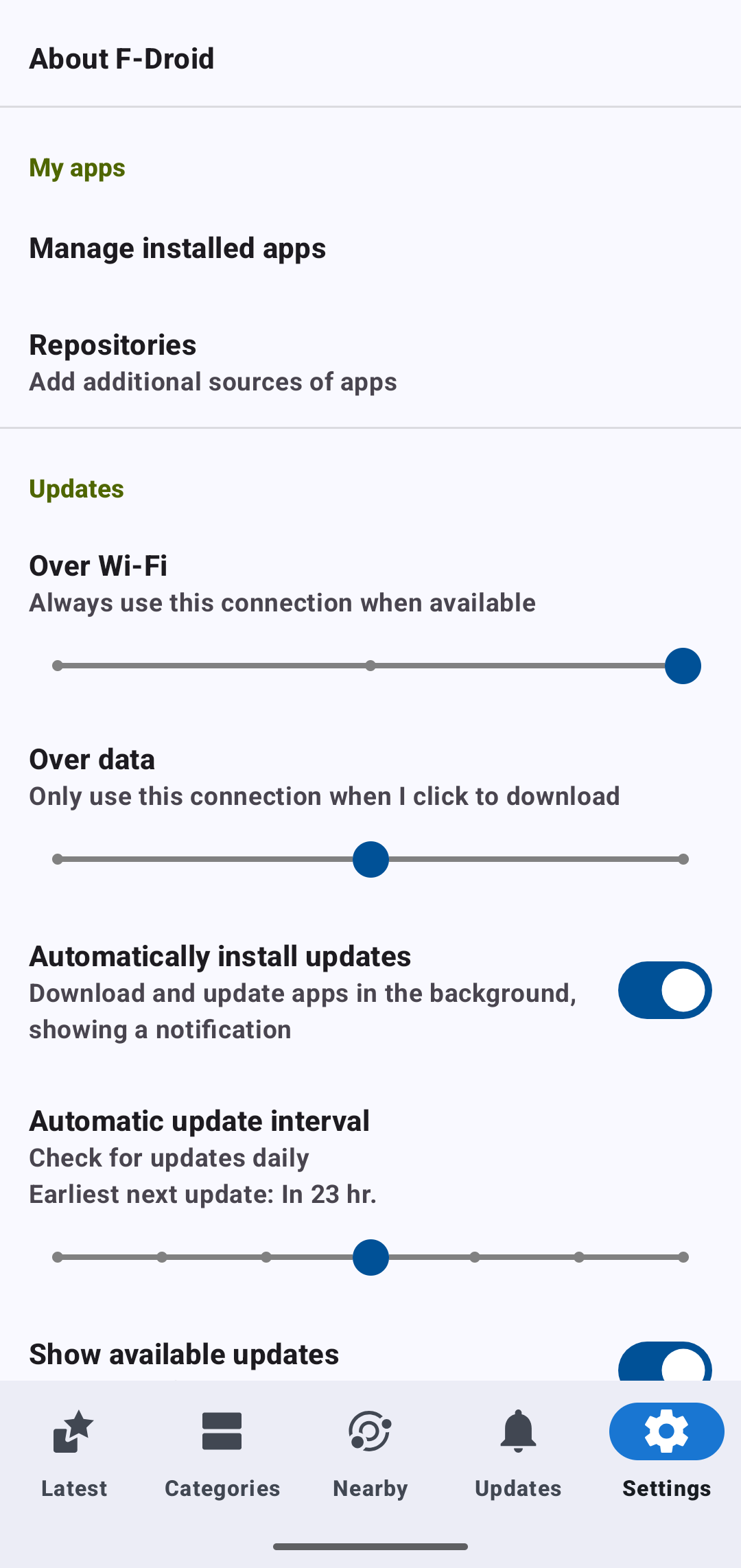
Grayjay, made by FUTO, isn’t in the F-Droid appstore by default. Don’t worry this doesn’t limit our abilities in the slightest. Open F-Droid and navigate to settings in the bottom right. Then click on “Repositories”.
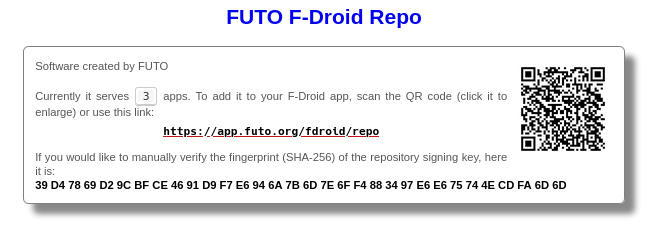
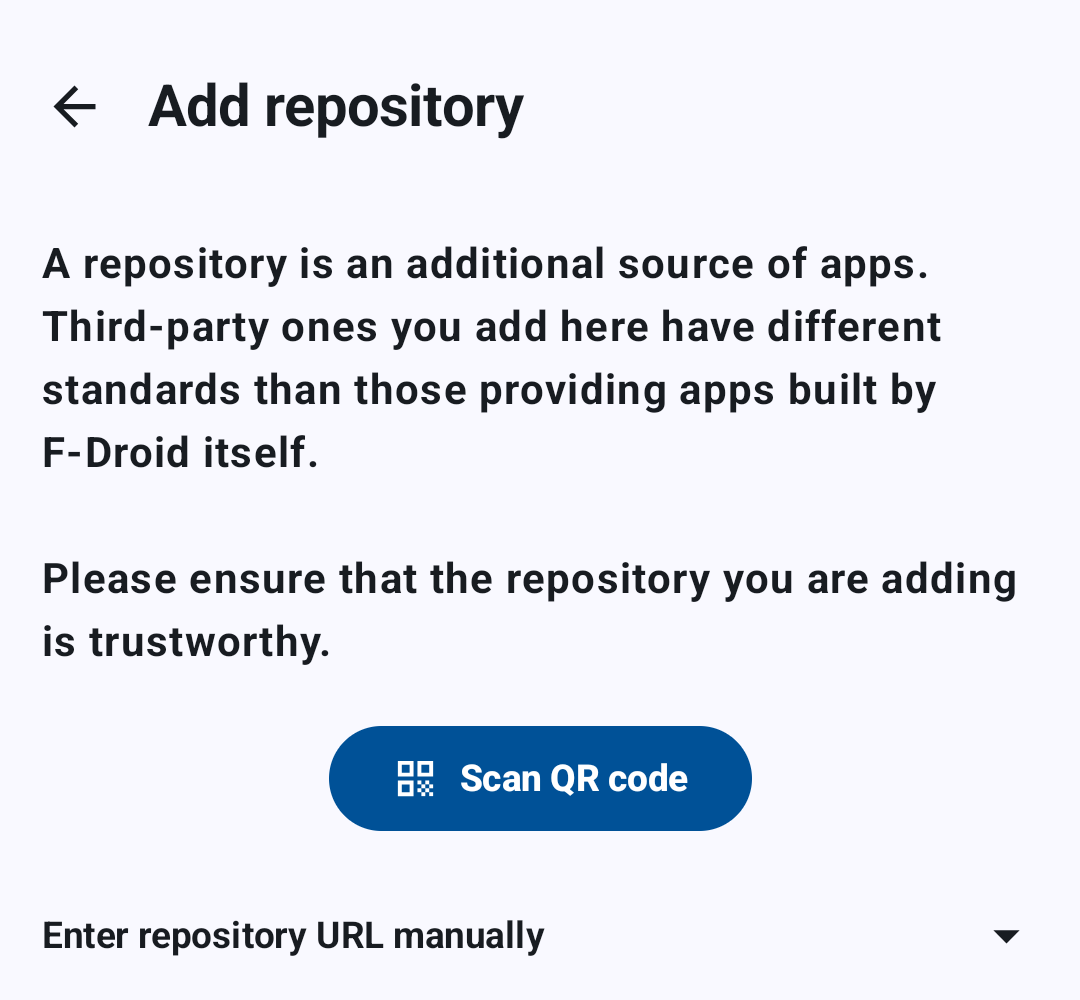
You can add the repository by QR (below) or by inputting the URL: https://app.futo.org/fdroid/repo.
Installing Grayjay
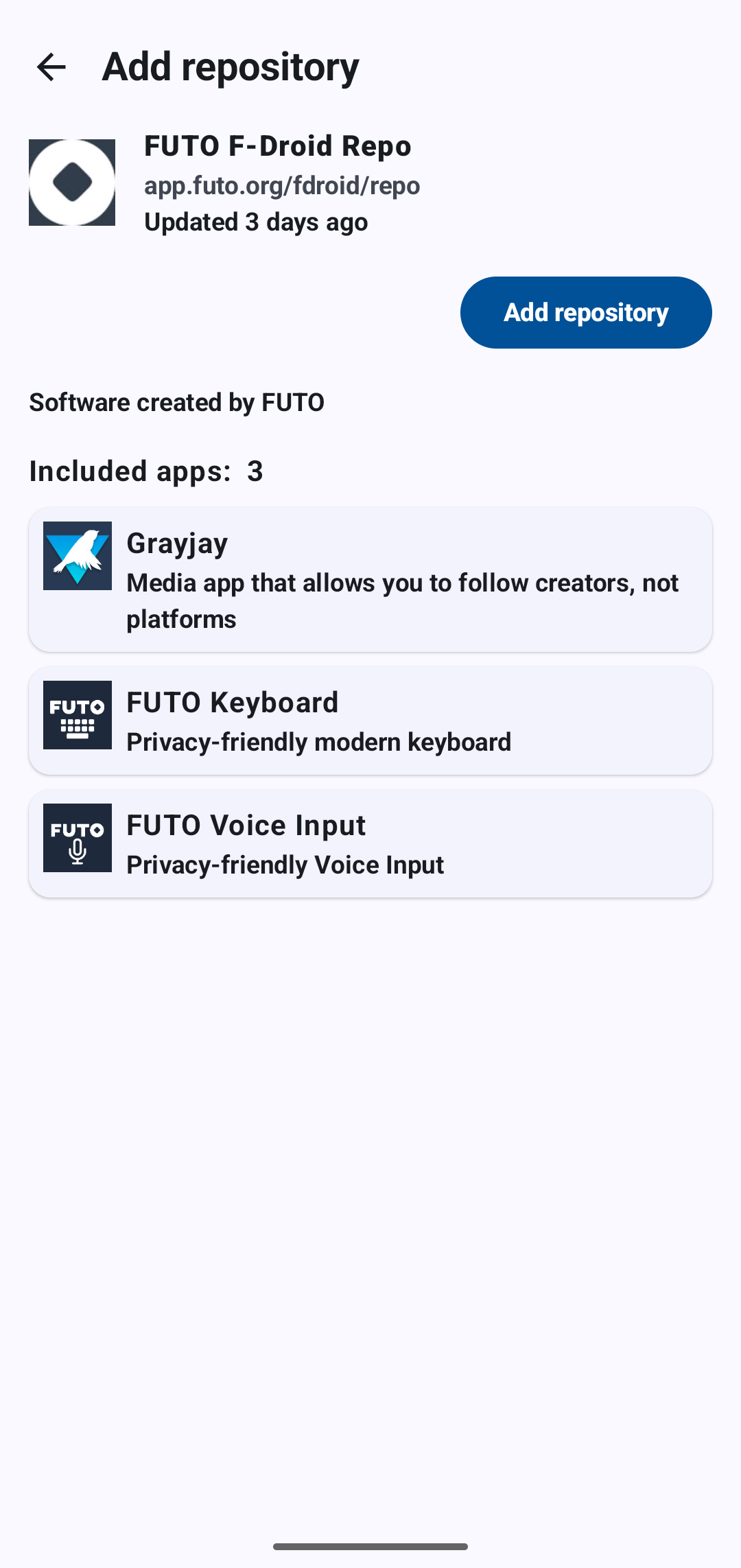
Voila, it’s added! Now select Grayjay and download it.
Security note on the Repo URL
This can be found at the bottom of the Grayjay site under “Also available on “FDroid”.